A common question from founders is whether to replace some of the software they rent with tools built for their own business. This guide is my answer, based on the products I have built for founders. It is for owners of real-estate, fintech and service businesses who want a clear rule instead of a sales pitch.
Should you replace your SaaS tools?
Connect your tools first, and replace one only when it limits your process, jumps in price, or costs more in workarounds than a build would.
Most tools are fine. They do a standard job, your team already knows them, and they are maintained by someone else. Replacing them is work you have to justify. Connecting them is usually cheaper and gets you most of the benefit: one place to see the numbers, no copying between screens, and fewer mistakes.
Replace a tool when one of three things is true:
- It limits your process. You change how you work to fit the software, or you cannot do something your business needs.
- The price jumps. A renewal or a new pricing tier changes the math, and the tool is no longer worth what it costs.
- The workarounds cost more. Someone spends hours each week exporting, re-typing or reconciling, and that time is worth more than a build.
If none of the three applies, leave the tool alone.
Why has the math on building your own tools changed?
AI coding tools cut the time it takes to build and support small internal tools, so tools that were once too expensive to build are now realistic.
A custom internal tool used to be hard to justify for a small company. Today a developer who uses these tools well can build a small, focused tool faster and keep it updated faster. That moves the line. More of the tools you rent are now candidates for something you own.
I want to be careful about what this does not mean. It does not mean everything should be rebuilt. It does not mean a custom tool is always cheaper over time. It means the question is worth asking again for the tools that annoy you most, and the answer is more often yes than it used to be.
The tools that gain most are small ones. A tool with one job, a handful of users and clear rules is a good fit. A tool that holds a regulated process or sits at the centre of your finances is not made safer by being cheap to write.
What does an in-house tool really cost to run?
Support is a real, ongoing cost, and you need to budget for it before you build, not after.
Software you build is software you now look after. The costs are plain:
- Hosting. The tool has to run somewhere, and someone pays for it.
- Maintenance hours. Bugs appear, requirements change and users ask for small fixes.
- Security and dependency updates. The libraries a tool uses release fixes. Someone has to apply them, test them and ship them.
- An owner. One person has to be responsible for the tool, know how it works and decide when to change it.
A subscription price hides all of this inside the monthly fee. That is part of what you pay for. When you replace the subscription, you take the work back, so count it. If you cannot name who will look after the tool a year from now, do not build it yet.
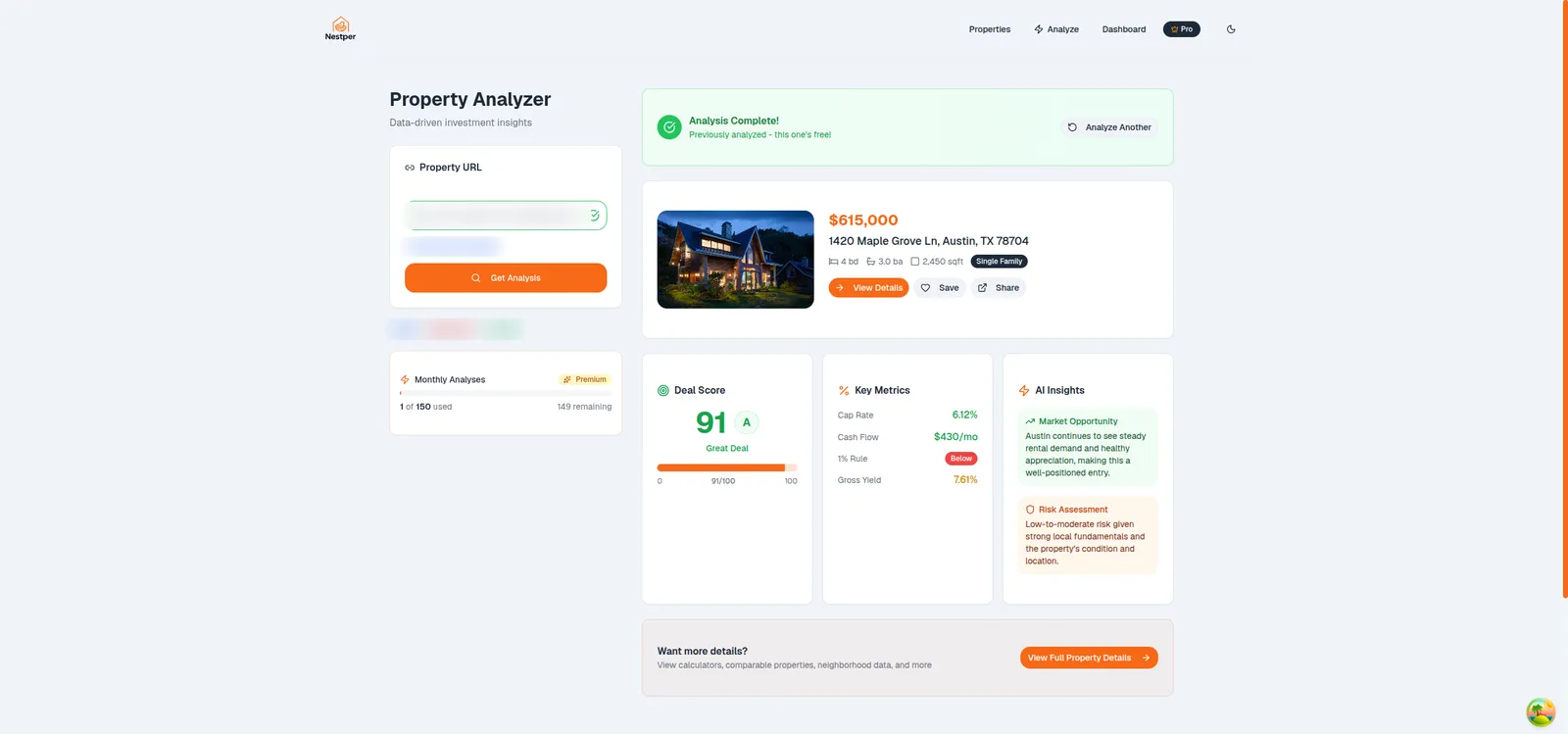
Running cost does not have to be large. The multifamily underwriting platform I built for REK Partners runs for under $40 a month, covering hosting, database, scraping and AI. You can read how in the underwriting case study. That number is small because the system is small and focused. It is a running cost only, and it does not include the time to look after it. If you want help with that part, here is how I handle software maintenance.
Which tools should you keep, connect or replace?
Keep commodity and compliance-heavy tools, connect the tools your team knows and that work fine, and replace the ones that dictate your process.
| Choice | Which tools | Why |
|---|---|---|
| Keep | Payroll, tax, the core accounting ledger | Commodity and compliance-heavy. Rules change and mistakes are costly. |
| Connect | Tools your team knows that work fine | The tool is not the problem. The gap between your tools is. |
| Replace | Tools that dictate your process, have pricing jumps, or need constant manual exports | You are paying for the tool and for the workarounds around it. |
A rule of thumb, not a verdict. Test it against your own tools.
The easy mistake is to treat "replace" as the exciting row and spend there first. Most of the value is usually in "connect". A booking tool, a CRM and a spreadsheet that all agree with each other are worth more than one new custom tool that stands alone.
Where should you start building?
Start with the small tools that touch your own process: reporting, internal dashboards, intake forms, booking and simple trackers.
These share three traits. They are about your business, not a regulated process. A mistake is visible and fixable, not costly. And you can describe the rules on one page.
- Reporting. A weekly report that someone builds by hand from three exports is a strong first candidate.
- Internal dashboards. One screen with the numbers the owner checks every morning.
- Intake forms. A form that sends the answers to the right place, with the right checks.
- Booking. Worth building when your pricing and scheduling are your own and a standard product does not fit.
- Simple trackers. Jobs, leads, documents or approvals that now live in a spreadsheet.
One example is Brunex Cleaning, a home-cleaning business. Before the build, enquiries came by phone, jobs were priced by hand and the schedule lived in people's heads. The booking and payments system went live within three weeks of the first commit. It did not replace a SaaS product. It replaced a way of working that depended on memory. The Brunex case study has the detail.
What should you keep for longer?
Keep anything with heavy compliance, tax or payment regulation, because the cost of getting it wrong is higher than the cost of the subscription.
Payroll, tax filing and your core accounting ledger are the clearest examples. The rules change often, they differ by place, and a mistake can mean penalties or unhappy staff. A vendor that does only this one job has done the work once for all of its customers. You would be redoing that work for one.
The same goes for taking card payments. Use a payment provider. Build around it if you need to, but do not build the part that handles card data.
Keeping a tool does not mean leaving it isolated. Connect it, so its data reaches the rest of your tools.
How do you tie your tools together?
Use a central database, sync data between your tools through their APIs, and put AI connectors on top for questions and reports.
A central database is the place where the facts about your business live once: customers, jobs, payments, documents. Your tools read from it and write to it. Without it, every tool holds its own version of the truth, and people spend their time deciding which one is right.
API sync keeps the tools you keep in step with that database. When a payment is taken in one tool, the record updates in the others. This is plain engineering, and it is what removes the copying between tools.
AI connectors sit on top. MCP, the Model Context Protocol, is one way to let an AI assistant read your data and answer questions such as "which jobs are unpaid this week?" or draft a report. That is useful for quick questions and first drafts of reports.
MCP is one connection layer, and only that. Sync still has to be built. Permissions still have to be set, so the assistant can see only what a person in that role may see. Audit trails still have to be kept, so you know who asked for what and what changed. Treat the connector as the last step, after the data underneath it is in good order.
What does a 30-day start look like?
Spend the first month on four small steps, none of which commits you to a big build.
- Audit your tools and costs. List every tool, what it costs, who uses it and what workarounds surround it.
- Connect the top three. Pick the three tools that cause the most copying and make them share data.
- Build one report. Choose a report someone builds by hand and make it automatic. It proves the connection works and removes one piece of hand work.
- Pick one replacement candidate. Choose one tool that limits your process or costs more in workarounds than a build, and write down what it would need to do.
After 30 days you know what you have, what is connected and which single tool is worth replacing next. That is a better position than a big plan made on a guess.
If one of those candidates is booking, my page on booking and work-order software for service companies shows how I approach it. If the goal is to keep your tools and bring their data into one place, see how I connect business tools into one system. To scope any replacement, a Build Plan is the usual first step. It starts from $500, is ready in 2–3 days and is credited in full toward the build, and it is yours to keep either way.
Questions founders ask
Connect your tools first. Replace one only when it limits your process, jumps in price, or costs more in workarounds than a build would. Most tools that work fine are cheaper to keep and link together than to rebuild.
There is no blanket answer. AI coding tools lower the cost of building small internal tools, so more of them are worth building. They do not remove the need to host, update and look after what you build, and regulated tools such as payroll and tax are still better bought.
Hosting, maintenance hours, security and dependency updates, and a named owner. It is a real, ongoing cost and it should be budgeted before you build, not discovered afterwards.
Start with a small tool that touches your own process: a report someone builds by hand, an internal dashboard, an intake form, booking or a simple tracker. Keep anything with heavy compliance, tax or payment regulation.
Booking and work-order software for service companies →

Technical partner for real-estate and fintech founders: decides with you what to build, launches it and stays on after launch. Top Rated Plus on Upwork with 100% Job Success. Builds MVPs, rescues stalled builds and hardens AI prototypes.
See client work →